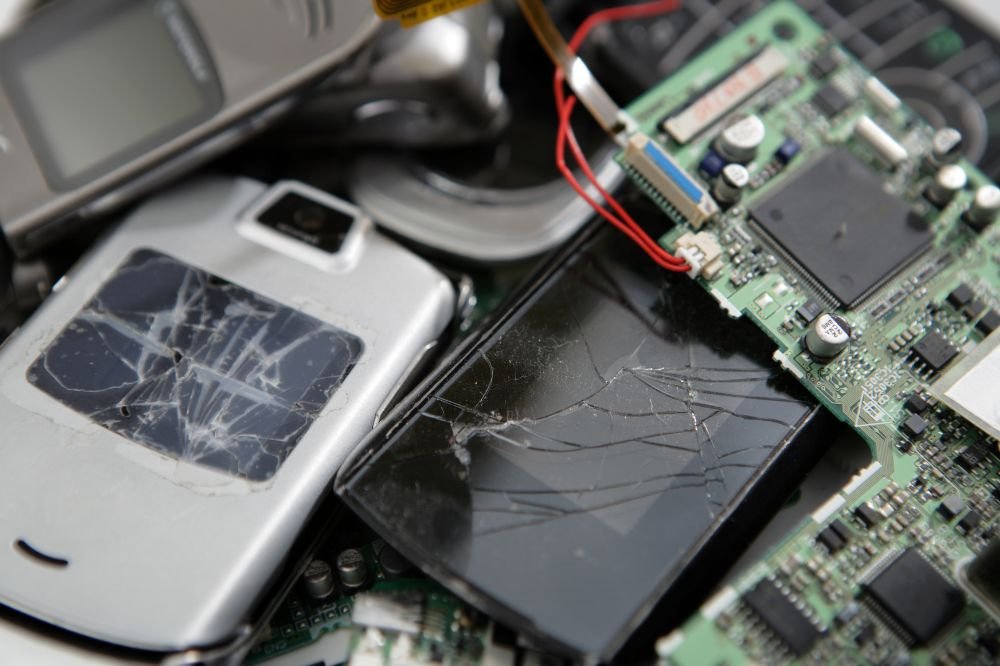
Water finds electronics first. A burst supply line, an overflowing washer, or a slow ceiling leak can soak a TV, laptop, or console before you notice the floor is even wet.
The instinct is to grab the device and press the power button. That single move is where most electronics are actually lost.
This guide covers what to do in the first minutes, which devices tend to survive, and how to give your gear its best odds.
The First Rule: Don’t Power Anything On
When water meets a live circuit, it bridges connections that were never meant to touch. Powering on a wet device can short the board instantly and create a shock or fire risk.
The Electrical Safety Foundation International advises that appliances and electronics exposed to water should not be turned on or plugged in until a qualified professional confirms they are safe.
If water is near outlets or the panel, cut power at the main breaker first. Never touch a breaker with wet hands or while standing on a wet floor.
Dry It in the Right Order
Once power is safely off, unplug the affected devices and remove any batteries you can reach without force.
Pour out standing water, stand the device on end so liquid drains away from the board, and leave it open to the air.
Skip the rice trick and skip the hair dryer. Rice does little, and heat can warp components and push moisture deeper. Steady airflow at room temperature is the safer bet.
What Usually Survives, and What Usually Doesn’t
Simple, sealed items like remotes, many cables, and some speakers often clean up fine.
Devices with dense boards and moving parts, such as laptops, TVs, and game consoles, are far more sensitive, especially if the water was dirty.
That last detail matters. Clean supply-line water is gentler than contaminated water, which leaves behind minerals and residue that keep attacking the board long after it looks dry.
Anything with a battery deserves extra caution. A swollen or hot lithium battery is a fire hazard, so isolate it and never try to charge it.
Corrosion Is the Slow Killer
The real damage often happens over days, not seconds. Moisture and contaminants trigger corrosion on tiny connections, so a device that seems fine can fail a week later.
This is why fast, complete drying beats a quick test. The goal is to pull the moisture out before it eats the electronics from the inside.
Your Data May Survive Even If the Device Doesn’t
A dead laptop does not mean lost photos. The storage drive is often the most survivable part, and specialists can frequently recover data even from water-damaged drives.
Set the wet device aside, resist the urge to keep testing it, and label it for a data recovery pro. Repeated power-on attempts are what usually destroy the drive for good.
Why This Hits Denver Homes
Along the Front Range, the usual culprits are indoor: failed water heaters, cracked supply lines, washing-machine hoses, and slow leaks that pool under media consoles and home offices.
Finished basements take the worst of it, since that is where many Denver families keep TVs, gaming rigs, and computers.
Sharp winter temperature swings add pipe stress, and a single overnight break can soak an entire lower level before morning.
Documenting the Loss for Your Claim
Photograph every affected device before you move or clean it, and write down the make, model, and serial number.
Homeowners personal property coverage helps repair or replace belongings damaged by a covered peril, though your payout depends on whether you carry actual cash value or replacement cost coverage.
A simple inventory with receipts is often the difference between a smooth claim and a fight over depreciation, which also helps when you are moving the claim along faster.
When to Call a Professional
If the water was contaminated, the device is high value, or the drying is beyond a quick wipe-down, bring in a contents restoration team early.
The same judgment applies to the wider loss. It helps to know what can and cannot be restored after a water event and the signs a soaked piece of furniture is still salvageable before you throw anything out.
Acting within the first 24 to 48 hours is what keeps repairable items out of the landfill.
Give Your Electronics Their Best Shot
Water-damaged electronics are often savable, but only if the first moves are right: power off, dry slowly, don’t test, and document everything.
ContentsPros is an IICRC-certified contents restoration team serving the Denver metro. Our contents pack-out services include water damage pack-out, cleaning, and climate-controlled storage for water-damaged belongings. If a leak or flood has reached your electronics, call (303) 335-0125 or reach out through the contact page to get your items assessed fast.